What a Holiday Let Website Needs: The Pages, Photos and Wording That Get Bookings
A holiday let website needs to answer five questions within seconds: what it is, where it is, how many it sleeps, what it costs and whether the dates are free. Here is what we have learned from building them.
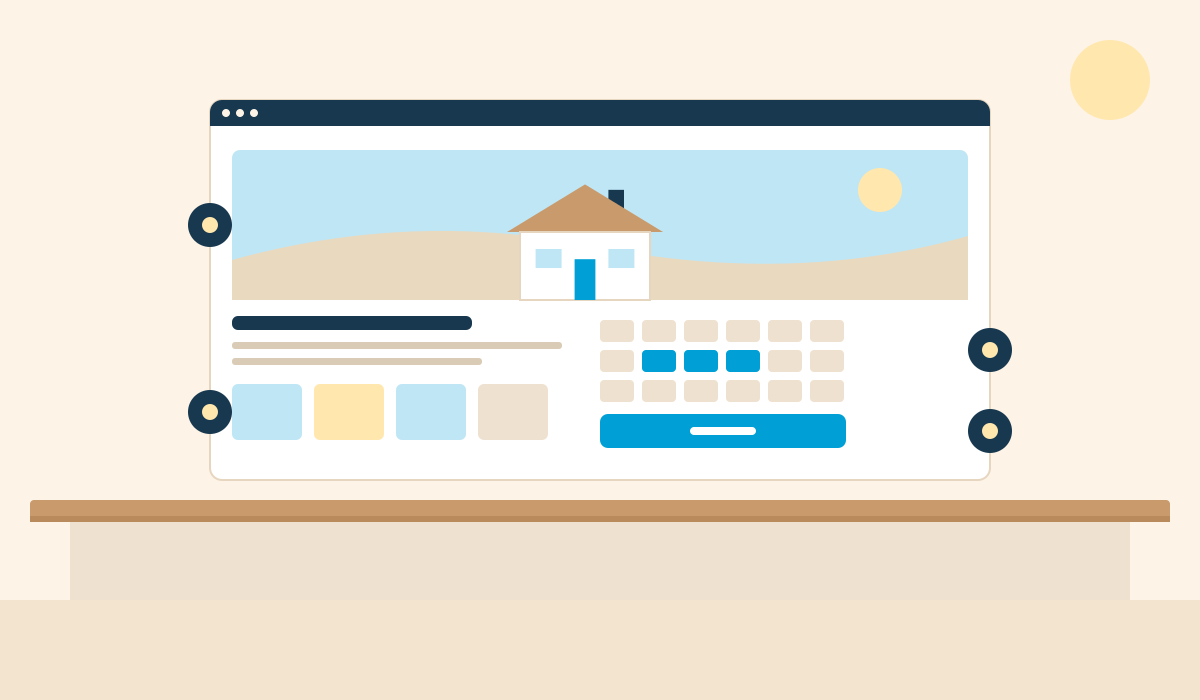
A holiday let website needs to answer five questions within a few seconds: what is this place, where is it, how many does it sleep, what does it cost, and are my dates free. Everything else on the site supports those answers or helps the guest trust them.
We build these sites for owners, so this list comes from what guests respond to on live sites, not from theory.
The first screen
Most visitors decide whether to stay within the first screen, and most of them are on a phone.
One strong photo. The best view of the property, taken in daylight. Not a collage and not a slideshow.
A plain headline. The name, the type of property and the place. "Harbour View, a two bedroom cottage in Seahouses" beats "Your perfect escape awaits".
The key facts. Sleeps, bedrooms, bathrooms, dogs or no dogs.
A price. "From £X per night" or "per week". Hiding the price sends people back to the platform to find it.
One clear button. Check availability, or send an enquiry.
The pages
A single property needs fewer pages than most owners expect.
Home. The first screen above, then highlights, reviews and a route to booking.
The property. Full description, room by room details, what is included, house rules.
Gallery. Every photo, in a sensible order.
Location. A map showing the area, travel times, and what is nearby.
Availability and booking. A live calendar and the price for the guest's dates.
Reviews. Real ones, with the guest's first name and the month of their stay where you have it.
Contact, terms and privacy. Who you are, how to reach you, and your cancellation terms.
For a very simple setup, one well-built page with a gallery, the facts and an enquiry form is enough to start. Our Starter plan is exactly that.
The photos
Lead with the best five. The outside, the main living space, the best bedroom, the view, the feature people book for.
Show every bedroom and bathroom. Guests count beds. A missing room looks like something is being hidden.
Shoot in daylight, landscape, with lights on. Tidy surfaces, open curtains, nothing on the worktops.
Include the practical shots. Parking, the garden gate if you take dogs, the stairs, the shower.
Add the area. The beach, the village, the walk from the door. Guests are booking the trip, not only the building.
Keep them current. If you have redecorated, replace the old photos. Mismatched photos are a common cause of complaints.
See your property as a direct booking website
Paste your Airbnb or Vrbo listing link and we will hand-build you a free one-page preview of your own direct booking website within 24 hours. No cost, no obligation.
Get a free, custom website preview of your property within 24 hours.
The wording
Write the way you would describe the place to a friend who is thinking of coming.
Be specific. "Eight minutes' walk to the beach" tells a guest more than "close to the beach". "King bed and two singles" tells them more than "sleeps four".
Say who it suits. Two couples, a family with young children, walkers with a dog. Say who it does not suit as well, such as steep stairs or no cot.
Put the practical details where people can scan them. Check-in and check-out times, parking, Wi-Fi, heating, what to bring.
Name the place. Use the village, the coast or the national park by name in headings and text. It is how guests search, and how search engines and AI assistants work out where you are.
Cut the adjectives. If a sentence could describe any holiday let in the country, delete it.
What builds trust
A guest booking direct is paying a website they have not used before. These reduce the doubt:
Real reviews, ideally with a link to where they were first posted.
A named owner and a way to get in touch.
Your own web address, not a free subdomain.
Card payment through a recognised provider.
Cancellation terms in plain English, shown before payment.
A calendar that is clearly up to date.
Common mistakes
No price anywhere on the site.
A calendar that is not synced with your listings, so guests enquire about dates that are gone.
Photos that load slowly on a phone.
Long paragraphs with the key facts buried in them.
A "book now" button that leads to a contact form with no dates.
You can see how these fit together on sites we have built for owners. If you would like us to build yours, we make holiday let websites from your existing listing. Paste the link on our homepage for a free preview within 24 hours.