How Calendar Sync Works, and Where Double Bookings Come From
Calendar sync is each platform reading the others' calendars every so often, not an instant link. Double bookings happen in the gap between those checks. Here is how it works and how to close the gap.
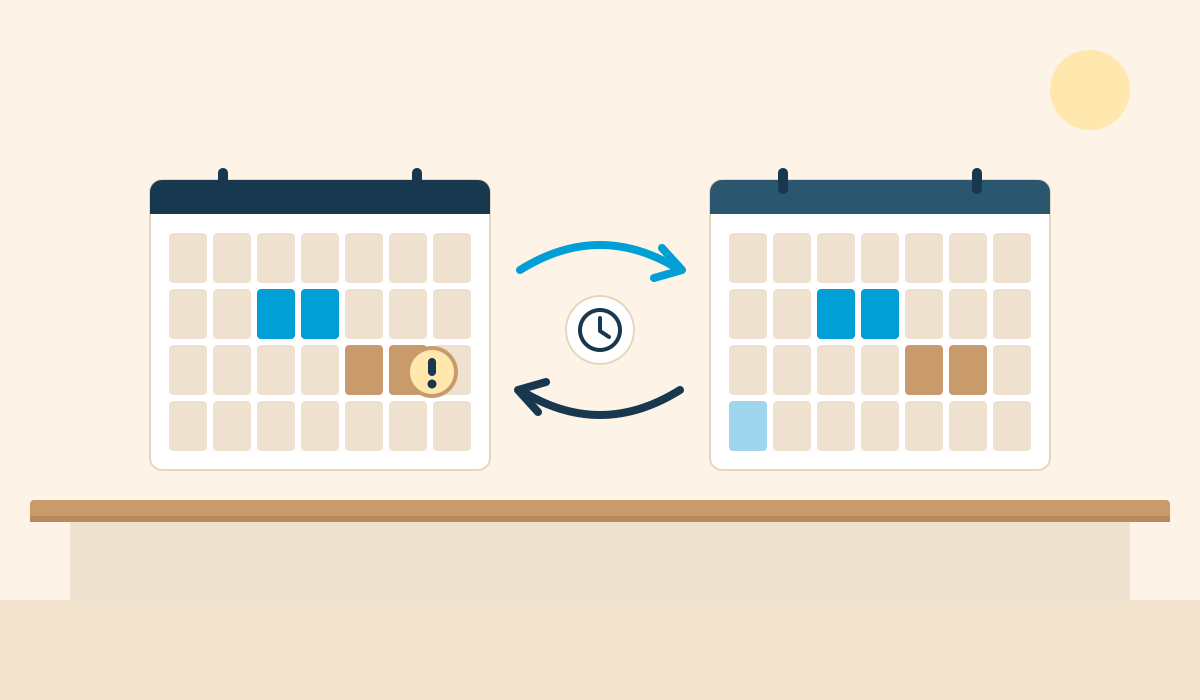
Calendar sync is not an instant link between your listings. Each platform publishes a small file of your booked dates, and every other platform reads that file on its own schedule. Double bookings happen in the gap between one platform taking a booking and the others noticing.
Once you know that, most sync problems make sense, and so do the fixes.
How it works
Each listing has an export link, usually ending in .ics. This is an iCal feed: a plain list of dates that are taken. It carries no guest names, prices or messages.
You copy the export link from one place and paste it into the import box on another. From then on, the second platform fetches the first one's feed at intervals and blocks any dates it finds.
Two details matter:
It is one-way per link. Importing Vrbo's feed into Airbnb tells Airbnb about Vrbo bookings. It does not tell Vrbo about Airbnb bookings. You need a link in each direction.
The reader sets the timing. The platform doing the importing decides how often it looks. You cannot push an update to it.
How often each side checks
Airbnb's Help Centre says its calendar updates from connected calendars every three hours, and you can press Refresh to check sooner. Other platforms and websites use their own intervals, from under an hour to several hours, and few publish a guarantee.
So with three places connected, a booking on one can take a few hours to show on the others. Most of the time nobody else books those dates in that window. Occasionally someone does.
Where double bookings come from
The timing gap. Two guests book the same dates on different platforms before the feeds catch up. This is most likely for popular dates and last-minute stays.
A missing direction. The sync was set up one way only, so one platform never hears about the other's bookings.
A broken link. Feeds sometimes stop importing without any warning. The dates look fine until they are not.
A changed address. You renamed a listing, rebuilt a website or switched provider, and the old feed address no longer works.
A new listing left out. You added the property to another platform and did not connect it to the rest.
Settings that do not match. Different preparation days or minimum stays on each platform can leave a night open on one and closed on another.
See your property as a direct booking website
Paste your Airbnb or Vrbo listing link and we will hand-build you a free one-page preview of your own direct booking website within 24 hours. No cost, no obligation.
Get a free, custom website preview of your property within 24 hours.
How to prevent them
Connect every pair in both directions. With three calendars that is six links. Write them down.
Refresh after a booking. When a booking arrives, open the other calendars and press refresh, or block the dates by hand. It takes a minute.
Block high-demand dates manually. For Christmas, school holidays and local events, do not wait for the feed.
Check the links monthly. Each platform shows when it last imported. If that time is days old, reconnect.
Avoid instant booking inside 24 hours if you list in several places. A short advance notice setting gives the feeds time to catch up.
Keep settings the same everywhere. Minimum stay, changeover days and preparation time.
Where your own website fits
Your website is one more calendar in the set. It imports the feeds from your listings and publishes its own feed for them to read.
The two directions behave differently. A website can check your platform calendars often, so a new Airbnb booking shows on your site fairly quickly once Airbnb has published it. Going the other way, a booking on your website appears on Airbnb only when Airbnb next reads your feed, which is on Airbnb's schedule, not yours.
On the sites we build, calendars sync regularly, and availability is checked again at the moment a guest pays, so a date that has just been taken is not sold twice from our side. We still advise blocking busy dates by hand and refreshing your other calendars after a direct booking.
When you need more than iCal
iCal sync suits owners with one to a handful of properties and a steady flow of bookings. If you run many listings with frequent same-day bookings, a channel manager connects to the platforms through their own systems and updates in near real time. It costs more and takes more setting up. We are not a channel manager, and we say so on our features page.
If a double booking does happen, contact both guests straight away, and expect the platform to apply its own cancellation penalties if you cancel a platform booking. That is the reason to spend the minute on a manual refresh.
For how sync fits into a direct booking setup, see how direct booking works.
Airbnb's sync timing is taken from its Help Centre, checked in November 2026. Other platforms' timings vary and can change.